
 After 3 days of Windows8 Conumer Preview Release , There are millions of people downloading windows8 It has been reportedly tweeted by windows8 official team saying that it has been downloaded million times after one day which means 11 copies are being downloaded for every second.
That’s enough of the info , Now Let us proceed to download your own copy of windows8 consumer preview.
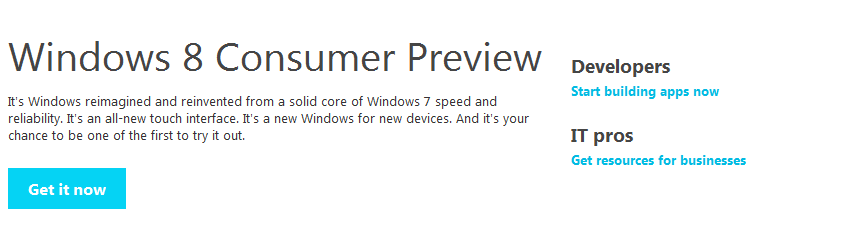
- Goto Official Post by Microsoft on release of Windows8 Consumer preview by following this link http://windows.microsoft.com/en-US/windows-8/consumer-preview and click on get it now.

- If you wish to receive any emails from windows team then you can opt in by providing email details else proceed by clicking on download option.

- When you click on “Download Windows 8 Consumer Preview” then an executable file with same name gets downloaded on to your disk. Execute that application as administrator.

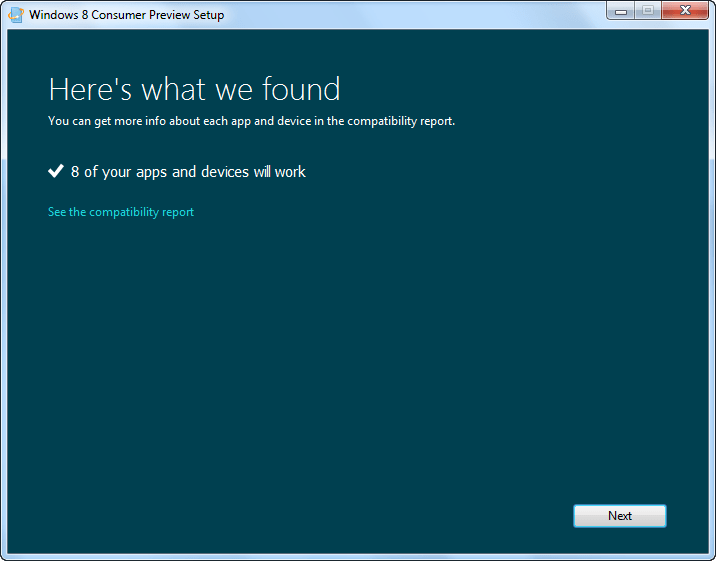
run windows8 consumer preview application - Initial Page displays the compatibility report of window8 with your PC.

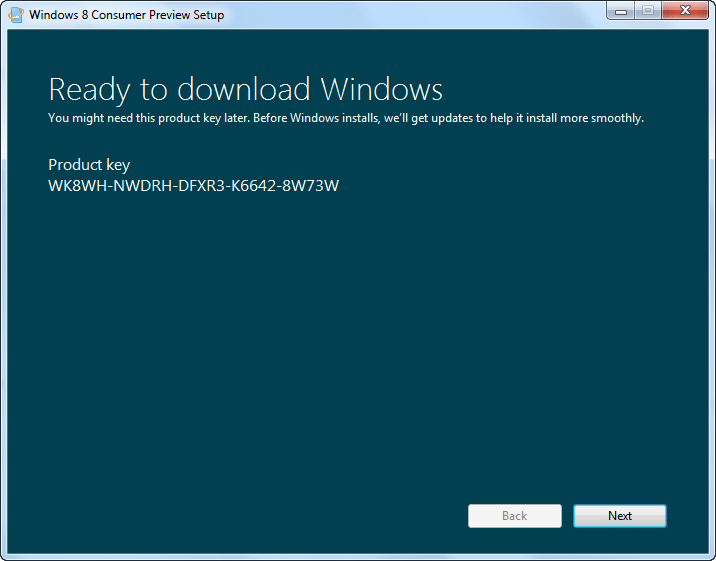
- Next Step is getting a product key of windows8 consumer preview for your installation, Copy The product key anywhere, While you are installing windows8 it asks you to enter the product key .

- That’s it now windows 8 image file starts downloading to your PC . Use it to install it on your PC.


Hope you liked the article .

